
Reverse Audio: Voice Flip
Record, Reverse & Trim Audio. Ever wondered what your voice sounds like backwards?

Highlights
- 01
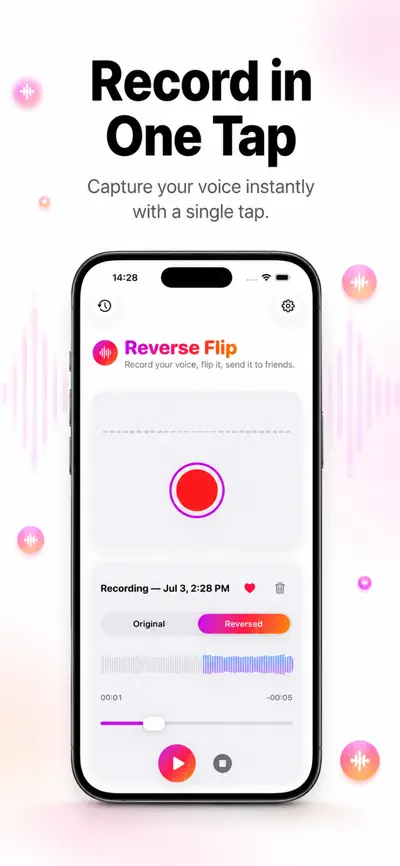
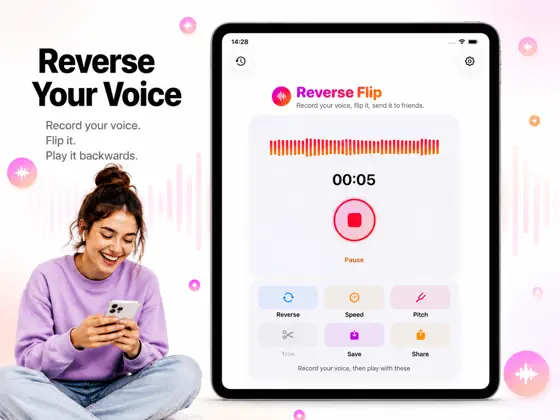
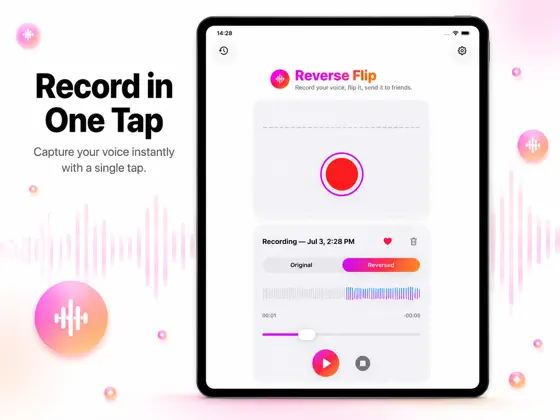
Record your voice instantly
- 02
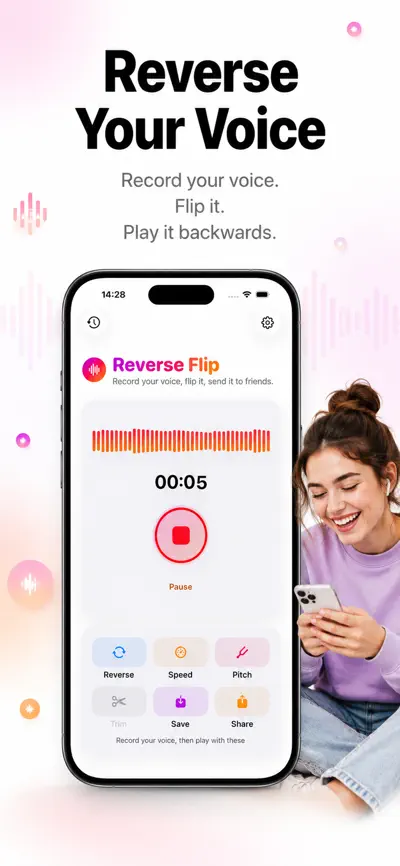
Play recordings backwards
- 03
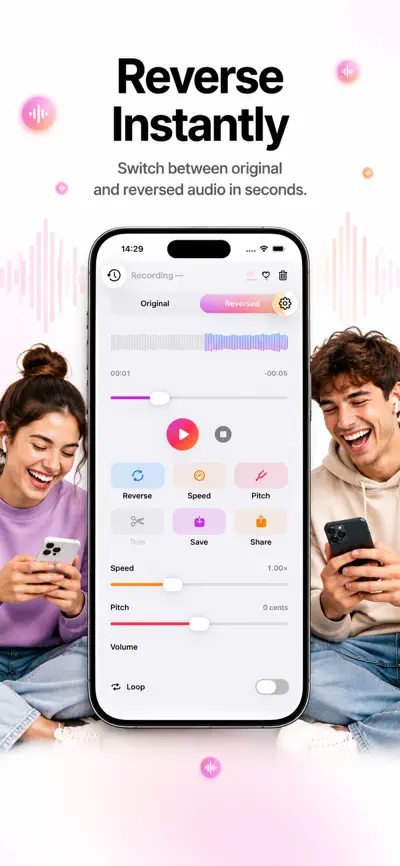
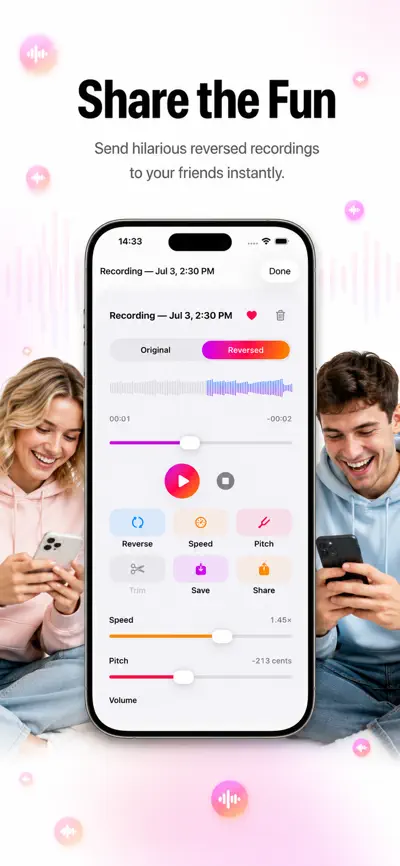
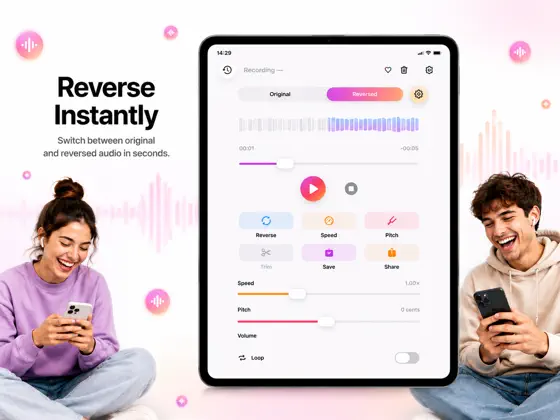
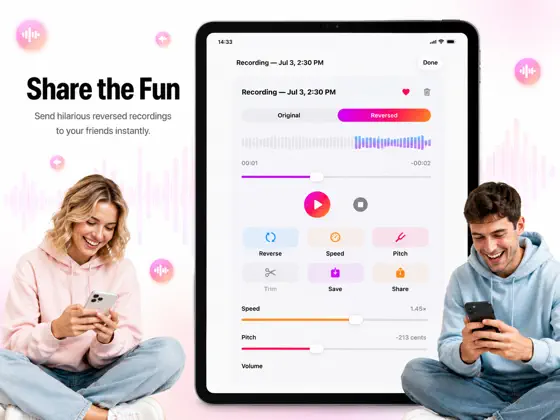
Switch between original and reversed audio
- 04
Adjust playback speed
- 05
Change voice pitch
- 06
Trim recordings
From the official App Store description.
Screenshots
iPad
About Reverse Audio
Read the full App Store description
Ever wondered what your voice sounds like backwards?
Record anything—your name, a song, a funny message—and hear it reversed instantly. Then challenge your friends to repeat it backwards and flip it back to the original.
No account. No ads. No tracking. Everything happens on your device.
FEATURES
- Record your voice instantly
- Play recordings backwards
- Switch between original and reversed audio
- Adjust playback speed
- Change voice pitch
- Trim recordings
- Save recordings locally
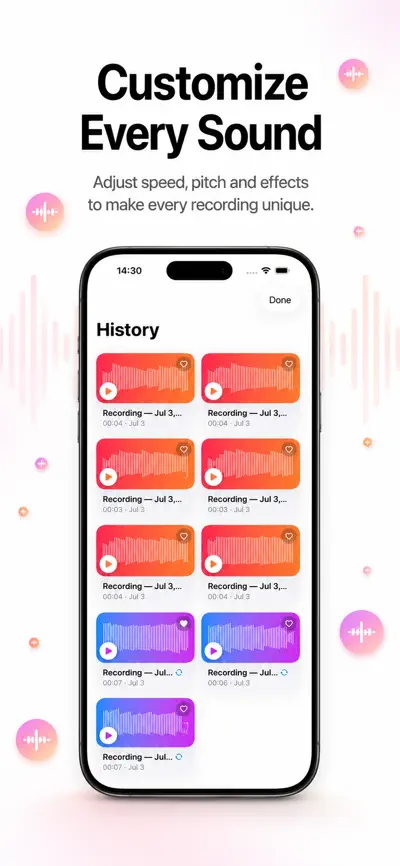
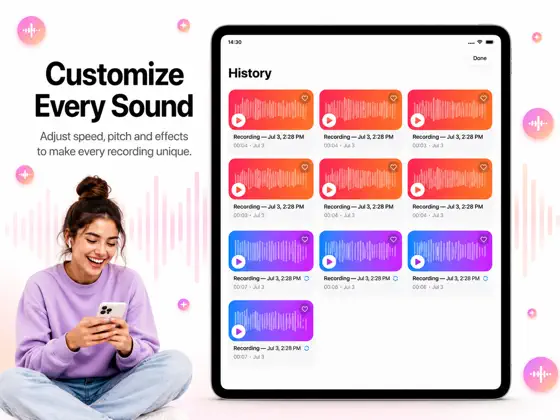
- Organize your recording history
- Share recordings with friends
- Beautiful native iPhone & iPad experience
PRIVATE BY DESIGN
- 100% on-device processing
- No sign-up required
- No login required
- No cloud storage
- No tracking
- No advertising
Whether you're creating funny videos, playing games with friends, practicing backwards speech, or simply exploring how words sound in reverse, Reverse Audio: Voice Flip makes it fast, fun, and effortless.
Download today and start hearing your voice from a whole new perspective.
Premium features are available through optional auto-renewable subscriptions. Payment is charged to your Apple ID account at confirmation of purchase. Subscriptions automatically renew unless canceled at least 24 hours before the end of the current period. You can manage or cancel your subscription anytime in your Apple ID account settings.
What people use Reverse Audio for
- Creating funny videos
- Playing games with friends
- Practicing backwards speech
- Exploring how words sound in reverse
From the official App Store description.
Questions and answers
What does Reverse Audio do?
Reverse Audio records your voice or any sound and plays it backwards. You can switch between the original and the reversed audio.
Which editing tools are included?
You can adjust playback speed, change voice pitch and trim recordings.
What can I use it for?
For example: creating funny videos, playing games with friends, practicing backwards speech or exploring how words sound in reverse.
Can I save and share recordings?
Yes. Recordings are saved locally, you can organize your recording history, and you can share recordings with friends.
Is my audio uploaded?
No. According to the App Store listing, processing happens on your device. There is no sign-up, no login, no cloud storage, no tracking and no advertising.
Is Reverse Audio free?
Reverse Audio is free to download. Premium features are available through optional auto-renewable subscriptions. In-app purchases listed on the US App Store: Weekly Premium ($3.99), Yearly Premium ($29.99).
Which devices does Reverse Audio work on?
Reverse Audio works on iPhone and iPad and requires iOS 17.0 or later, according to its App Store listing.
Answers are based on the official App Store listing (version 1.1.0). Need help with a problem? Visit Reverse Audio support.
Information
- Publisher
- EEB CONSULTANCY LLC
- Category
- Entertainment
- Compatibility
- iPhone and iPad · iOS 17.0 or later
- Languages
- 29 languages
Arabic, Chinese, Czech, Danish, Dutch, English, Finnish, French, German, Greek, Hebrew, Hindi, Hungarian, Indonesian, Italian, Japanese, Korean, Malay, Norwegian Bokmål, Polish, Portuguese, Romanian, Russian, Spanish, Swedish, Thai, Turkish, Ukrainian, Vietnamese - Age rating
- 4+
- Price
- Free
- In-app purchases
- Weekly Premium — $3.99
- Yearly Premium — $29.99
- Size
- 6.1 MB
- First released
- Jul 8, 2026
Details from the US App Store, checked Nov 17, 2026. Prices can vary by country.
What’s new
Reverse Flip now speaks more languages! We’ve expanded language support across the app, improved the overall experience, and fixed bugs for a smoother, more reliable experience.


